
Hi,
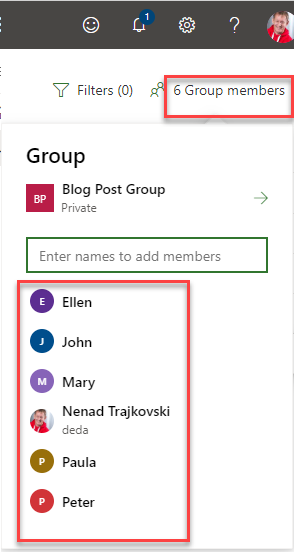
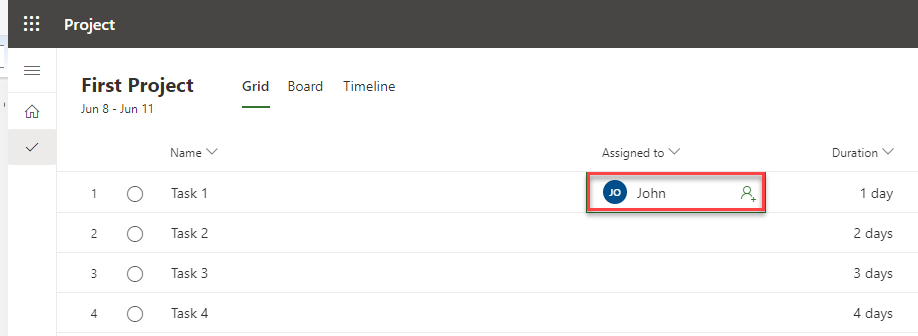
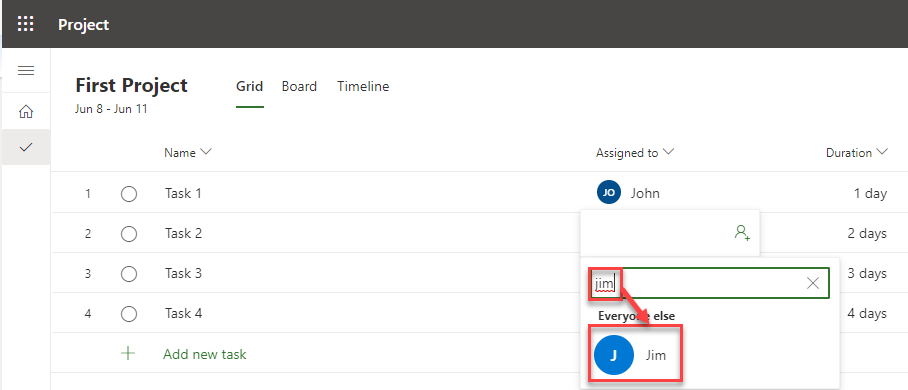
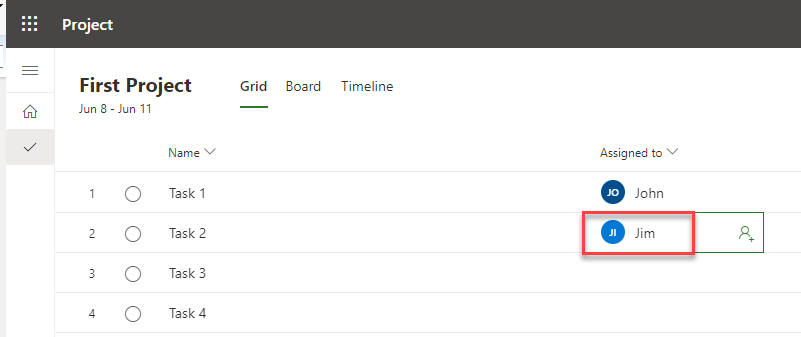
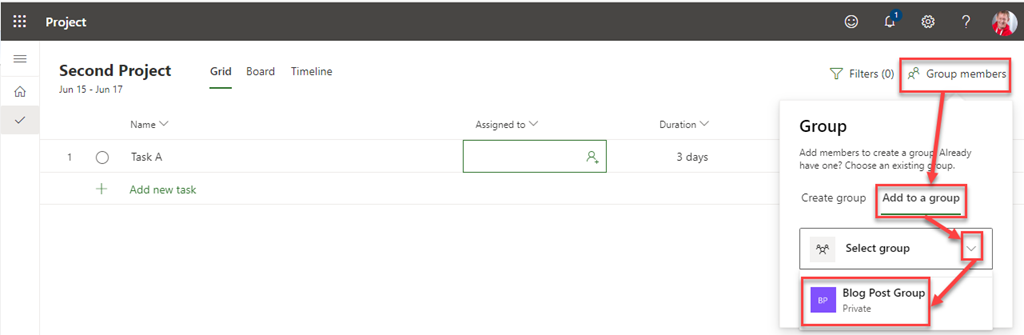
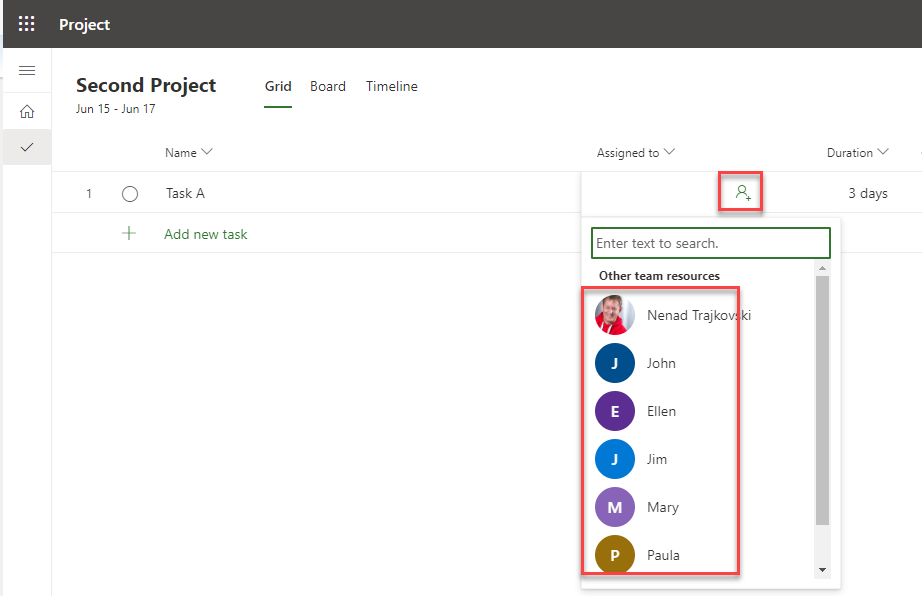
as you know, in Microsoft Project for the Web, before you can assign Resource to any Task, you must either create a new Group or use existing one.
Let’s say that I want to create new one.:
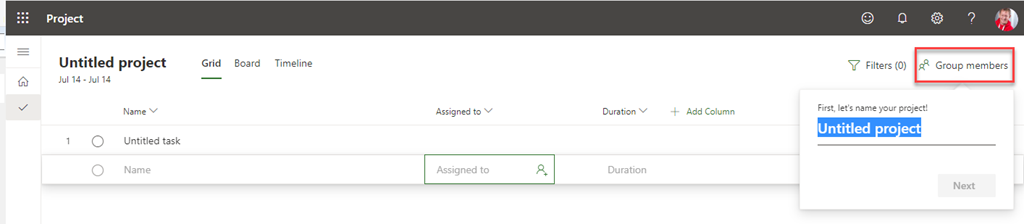
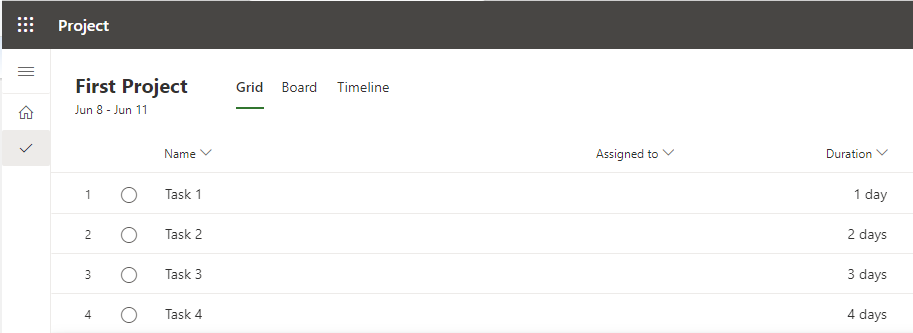
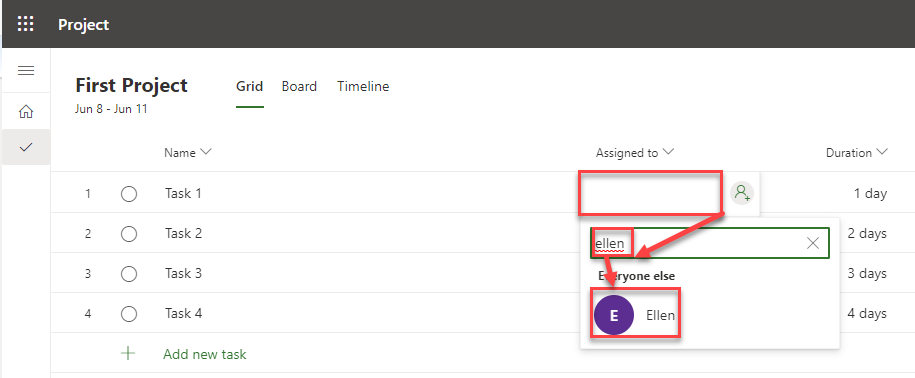
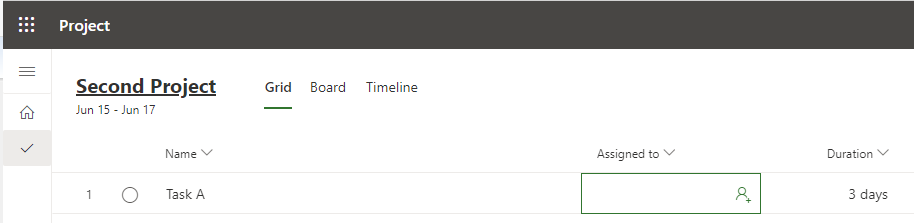
As you can see, first of all I should give a name to my Project. If I want to avoid that, I can try to assign a Resource to a Task:

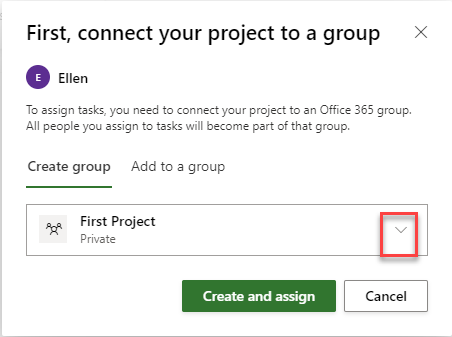
but I will get:

So I will create a new one:
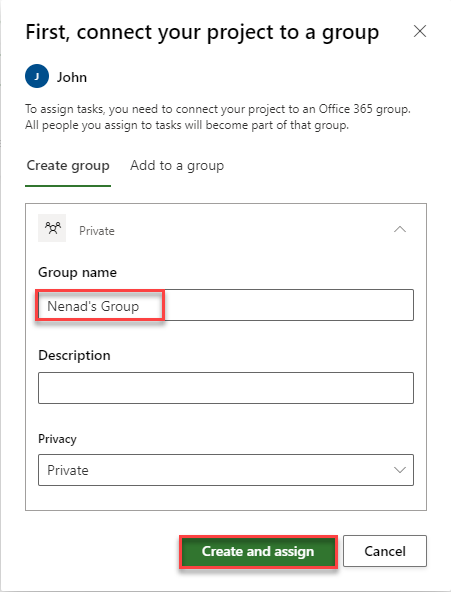
and I will get:
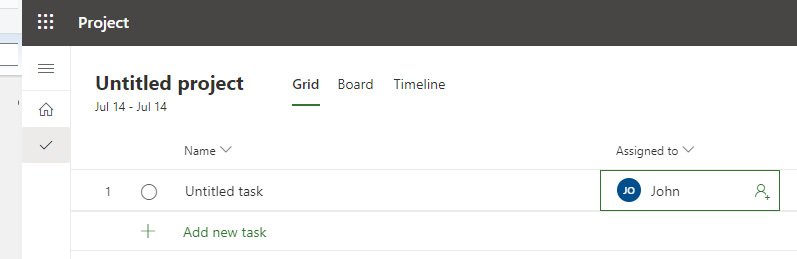
So, the Group is created, and John is in!
Now I will create a new Project, and I will name it My Project:
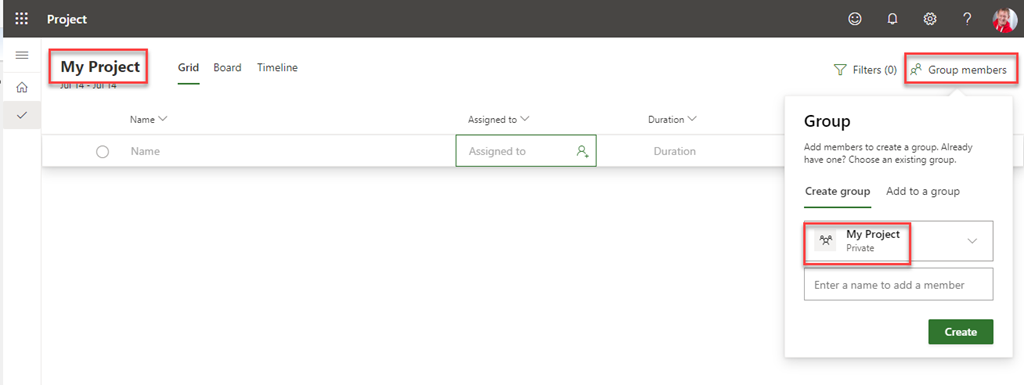
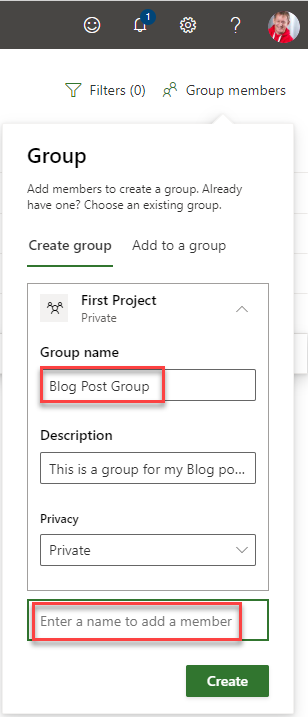
Because I have named Project, my new Group has a default name which is same as a Project name. Of course, I can rename it:

To conclude, if you want to create a new Group for your new Project, you should either give a name to Project, or you should give a name to a Group. If your Project has a name default group name is same as a Project name, and if it doesn’t have a name you can create a new Group via assigning Resource to a Task!
Regards!


























 .
. 


 Nenad Trajkovski