
Hi,
today I will show you how beautiful is Timeline View in Microsoft Project for the Web.
We all know how difficult is to manage Projects with many Tasks. It is hard to see for a Task all Predecessors, and Successors, and to find them.
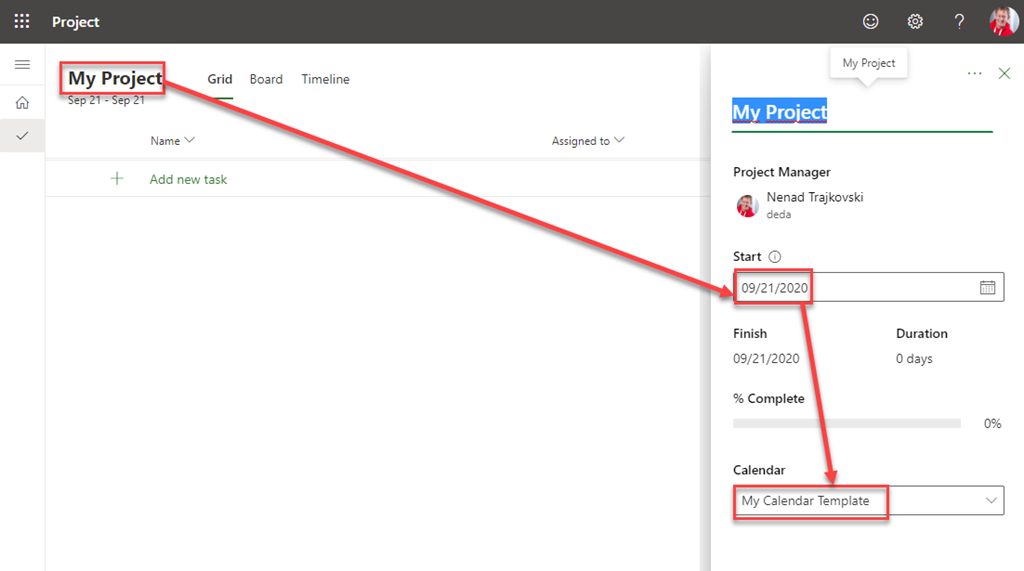
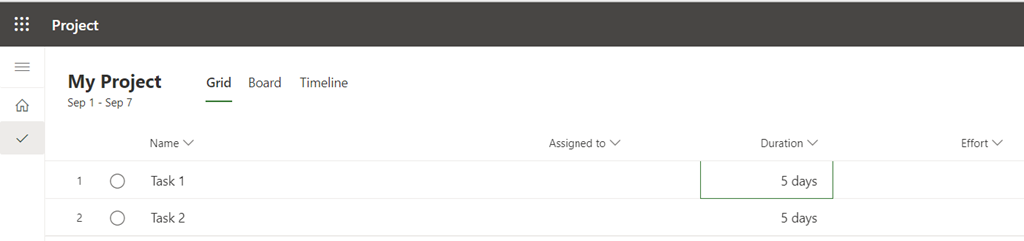
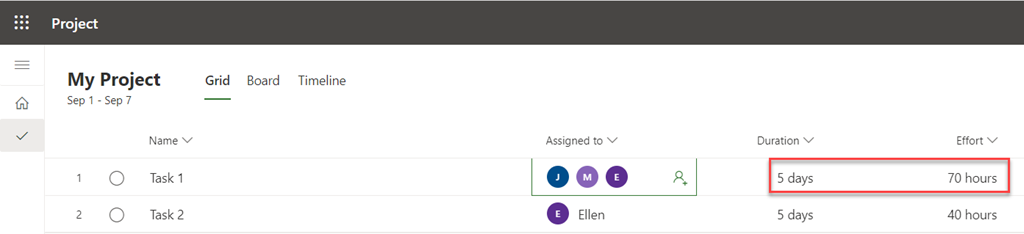
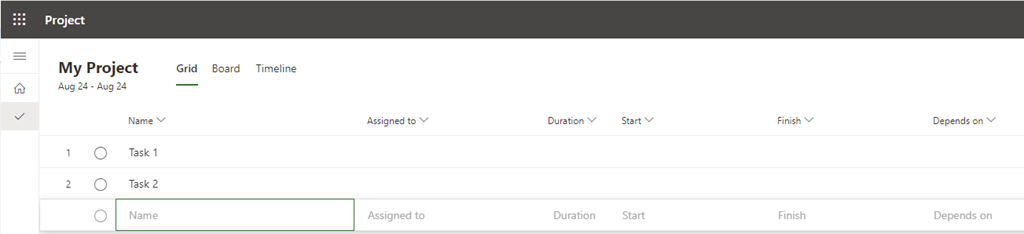
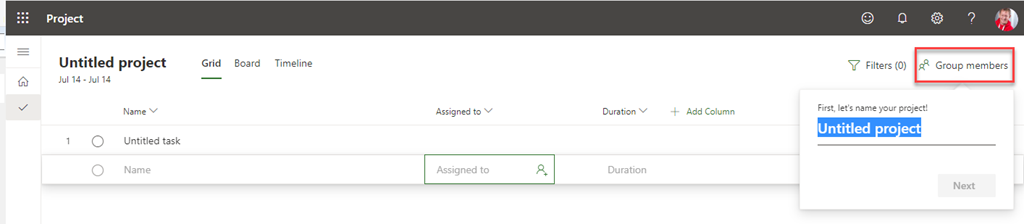
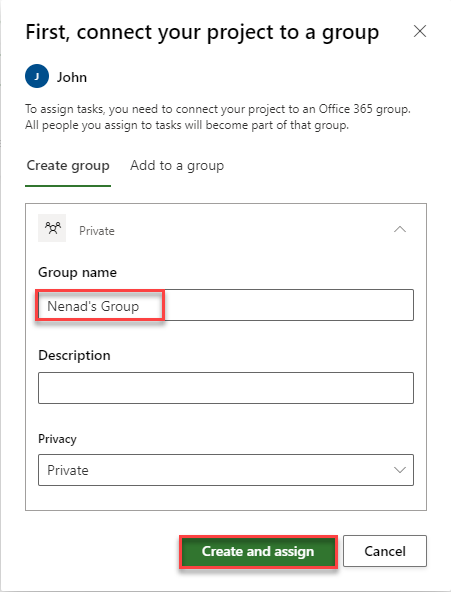
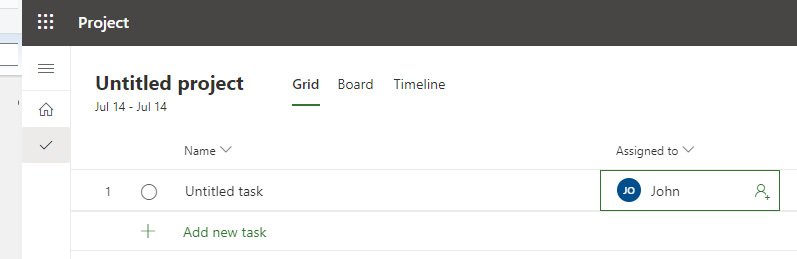
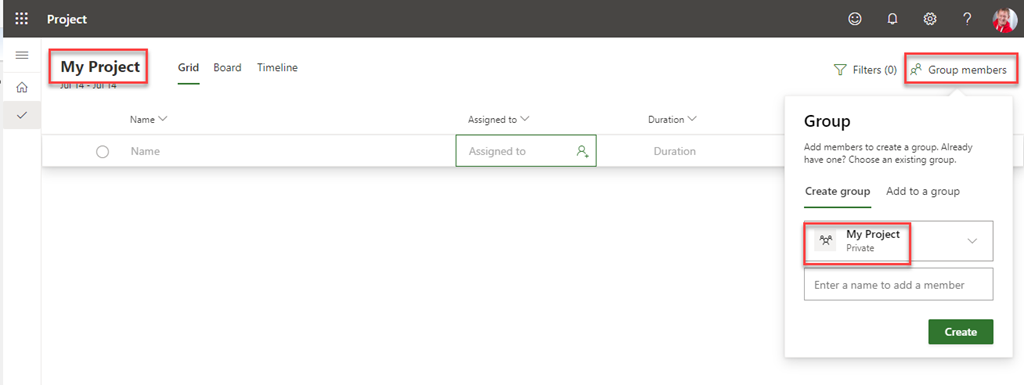
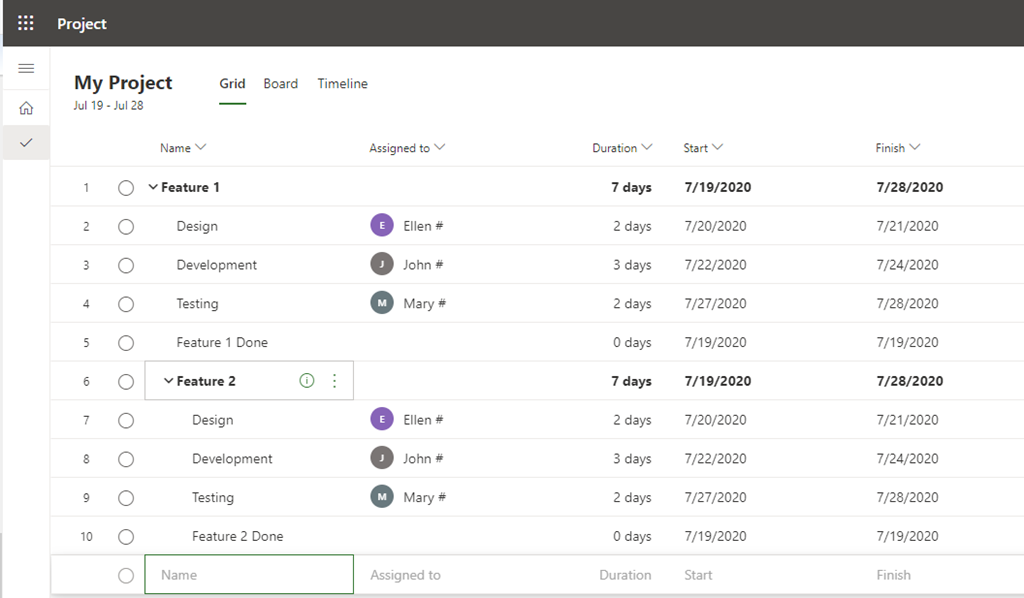
Using Timeline View it is very easy. Let me first create a brand new Project:
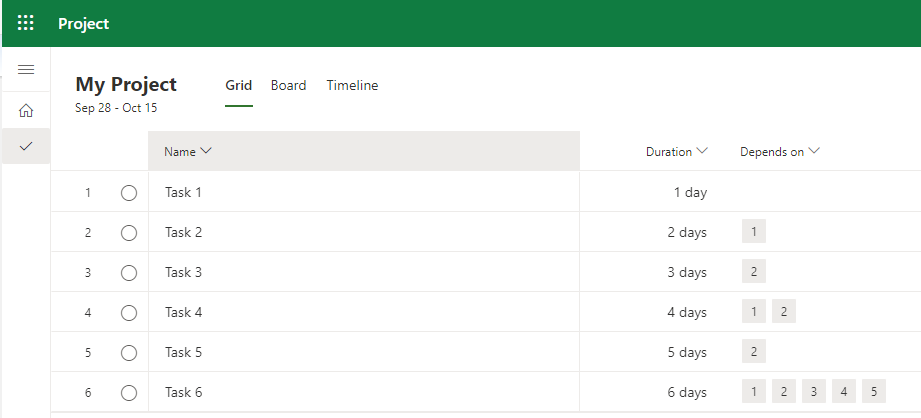
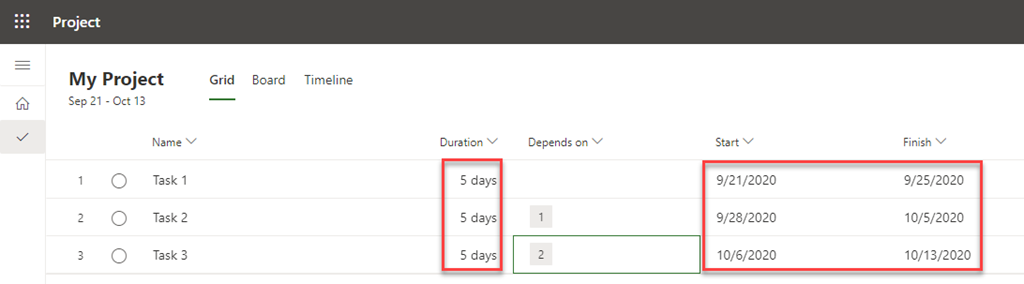
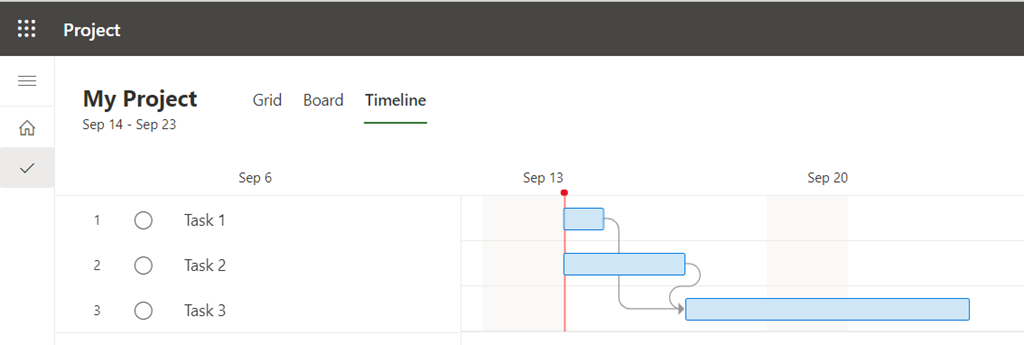
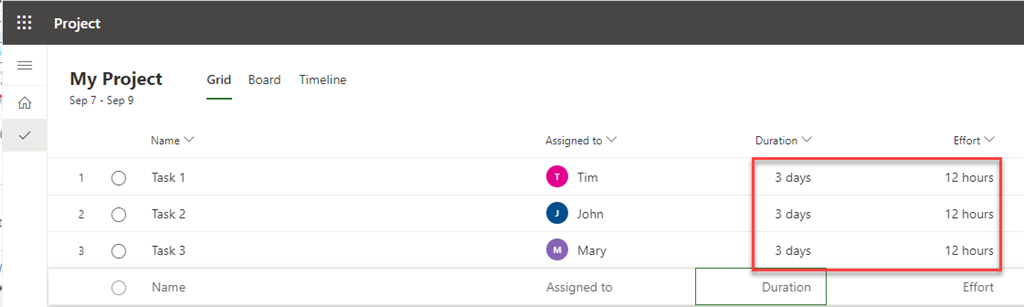
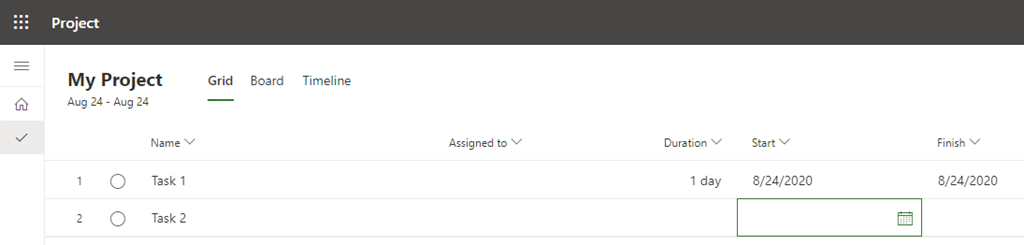
In this View – grid View you don’t see much! BUT! I will switch to Timeline View, and I will get:
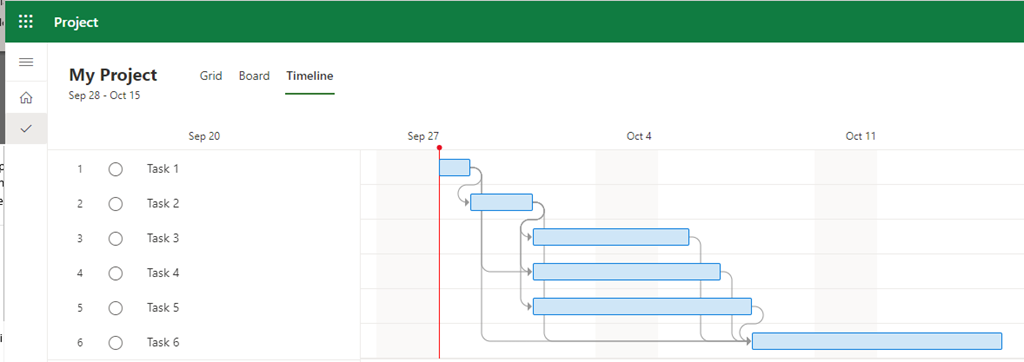
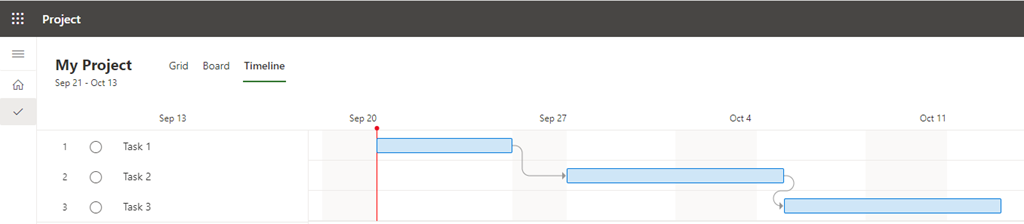
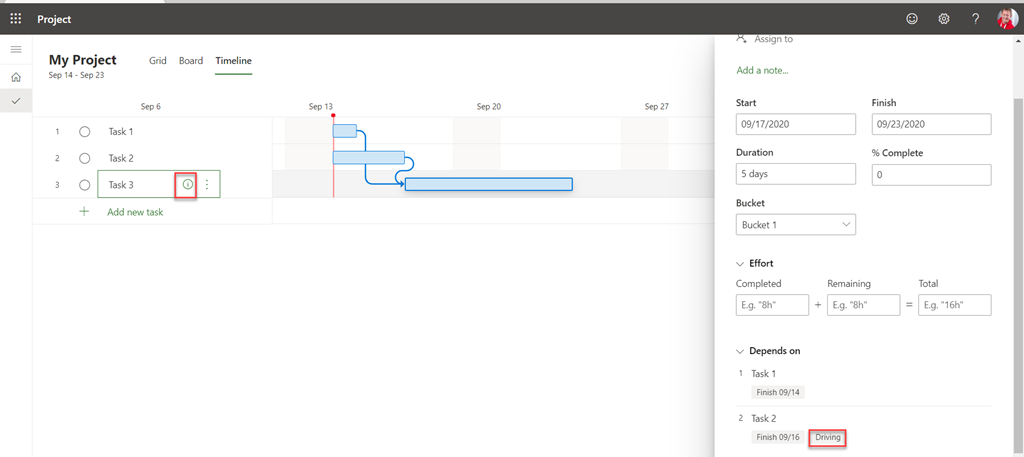
Here you can see Gantt Chart. Now, for example I want to know predecessors and successors for Task 4. I can easily get this just by hoovering my mouse over this particular Task on the Gantt Chart View:

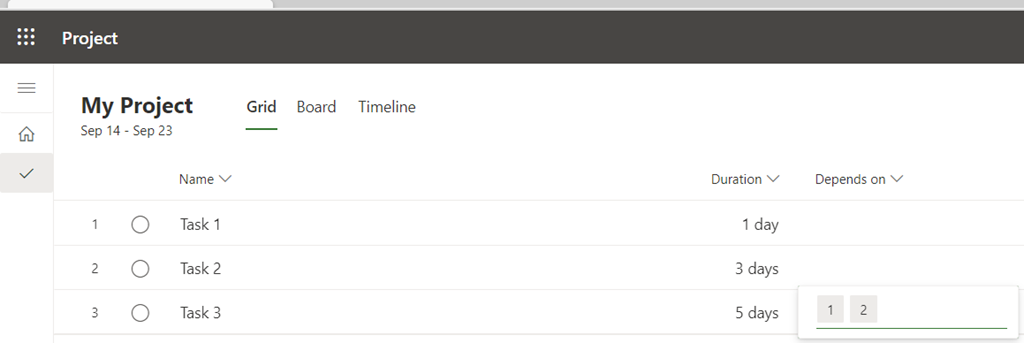
As you can see, all those blue bolded lines shows predecessors (in my example: Task 1 and 2), and Successors (Task 6). And one more thing! On the top of this View Start and Finish date for this Task are shown.
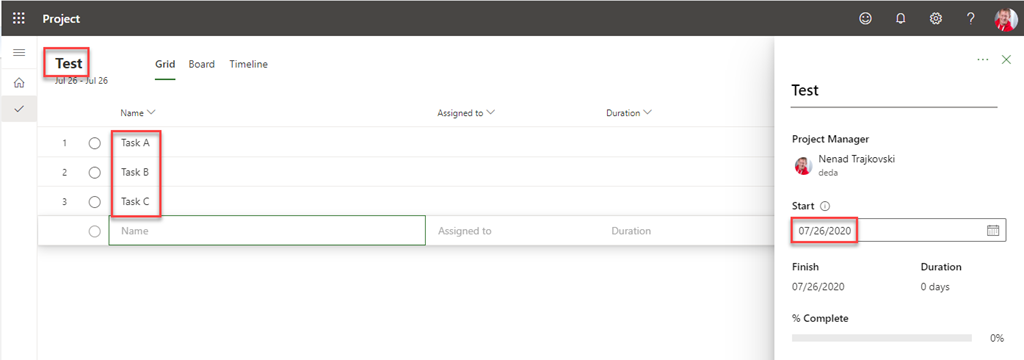
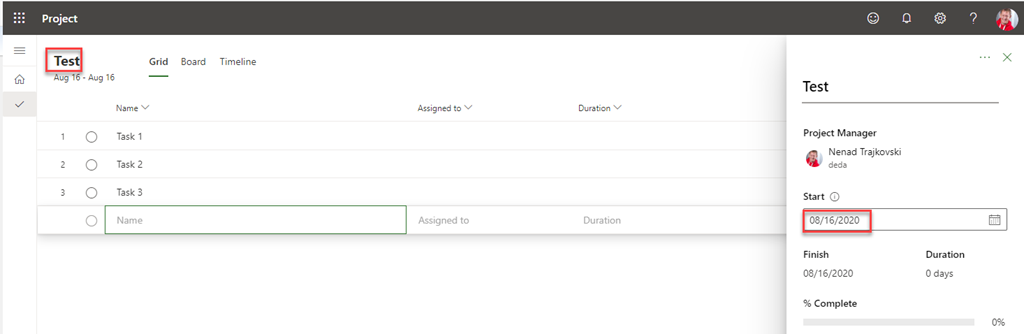
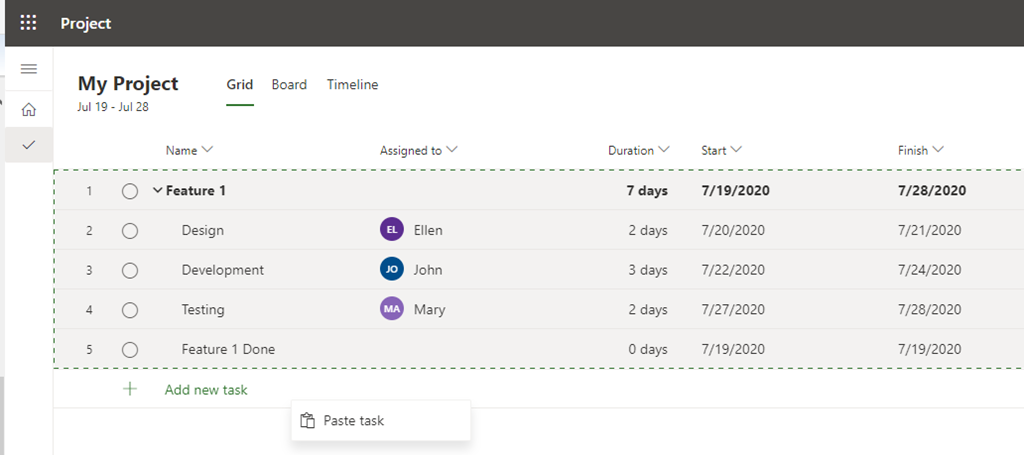
Now, you can ask: How can I see Start and Finish date for the whole Project? To have that, first I will put a Summary Task for the Project as a whole:
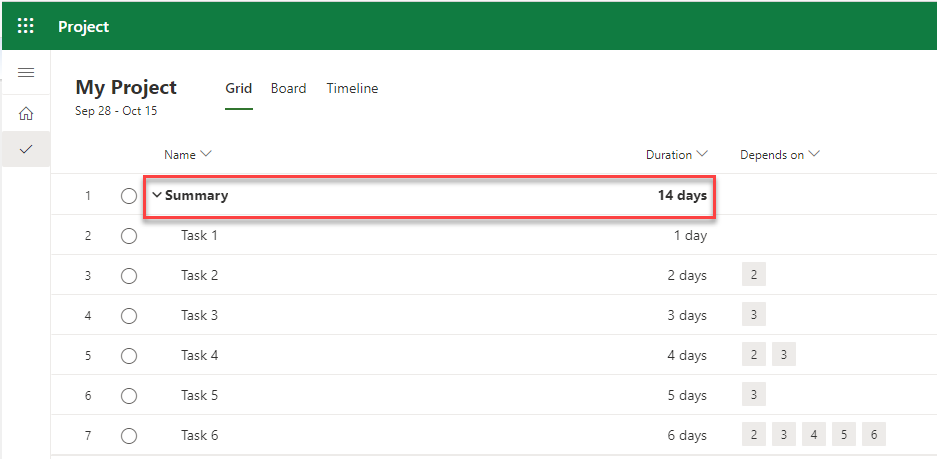
Now I will switch to the Timeline View again, and I will hoover my mouse over this Task, and I will get:
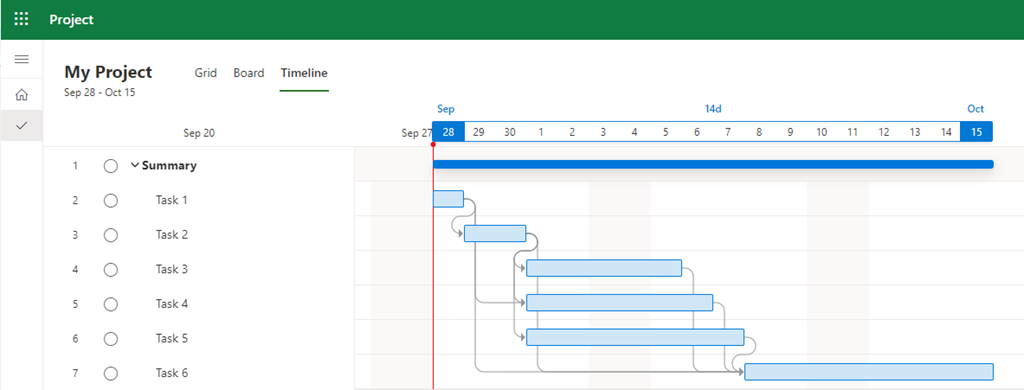
See? Piece of cake!
Regards.
























 Nenad Trajkovski