
Hi,
I have a question from one of my Blog readers
“Thank you for all your advices which you share on blog. I have an issue where I would like in resource pool file calculate the total “booked” work hours between two (freely chosen) dates (eg between 1.1.2018 and 31.12.2018). In my case I have to monitor the total (planed) work hours per person which should not exceed 1700 h per year. Now I can see only a total work hours between start day of the first project and the end day of the last project per person.
Can you help me?
Thank you in advance.”
I will show you how can you do that using MS PROJECT 2016.
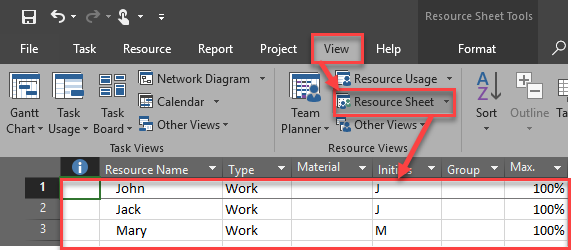
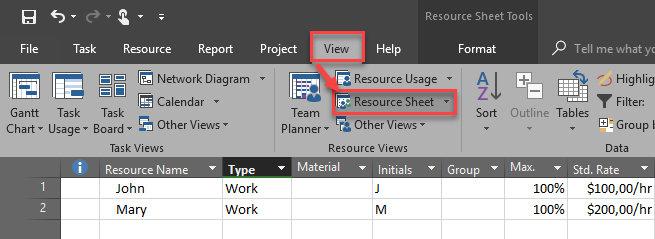
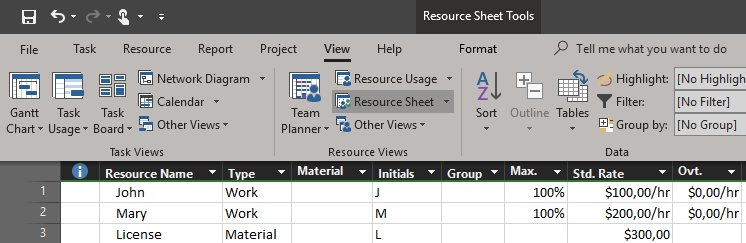
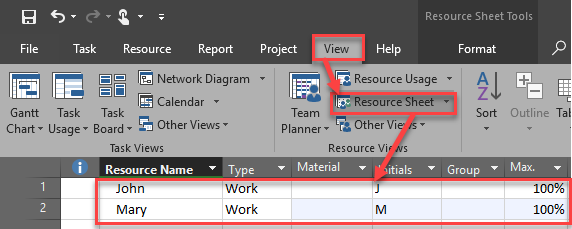
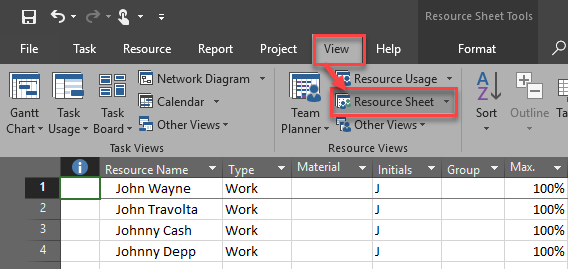
First I will create Resource Pool with John and Mary:
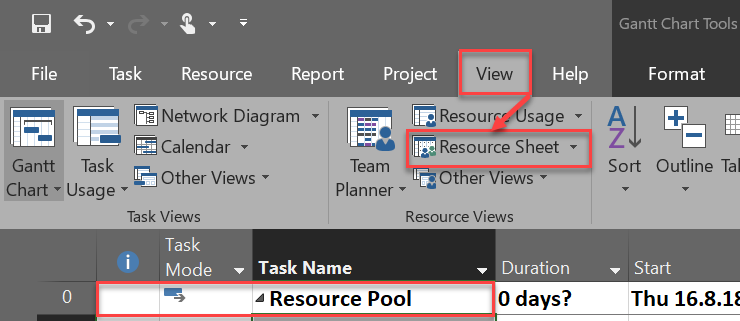
and:
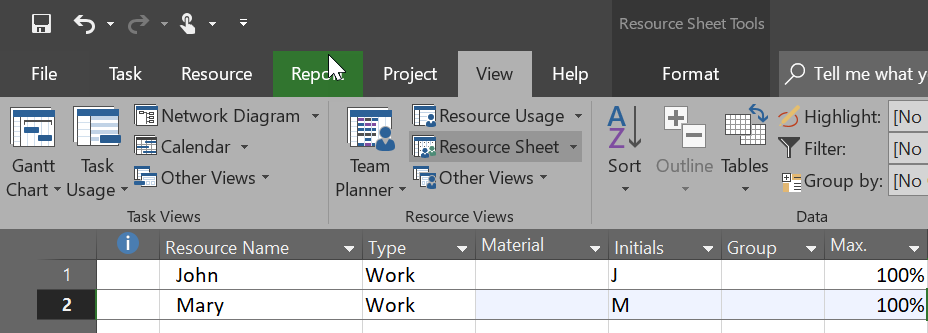
I will save this file as Resources.mpp (you know how to da that, so I won’t show you pictures  )
)
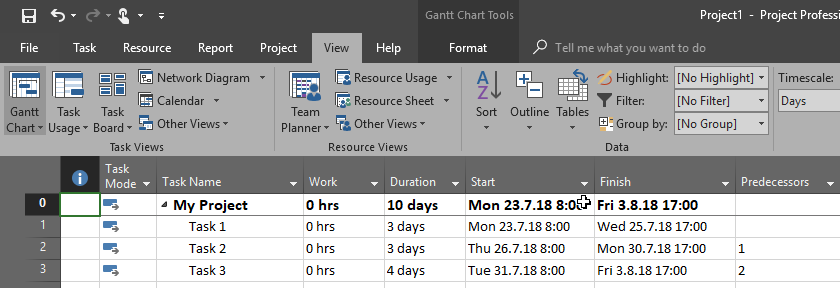
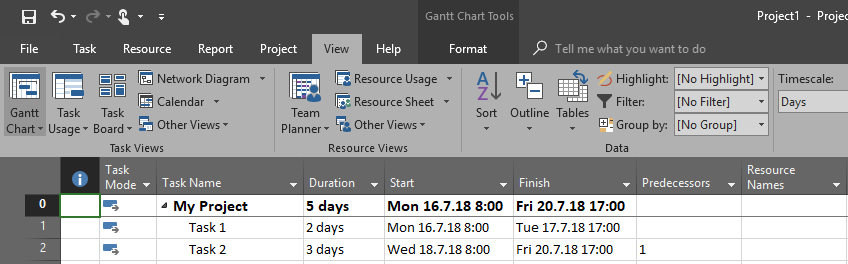
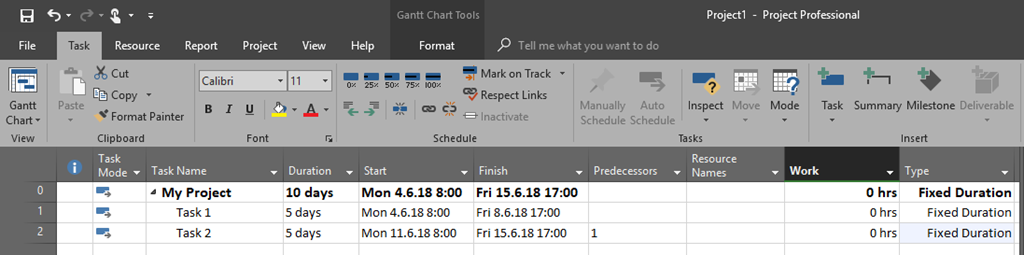
Now I will create First Project with two Tasks:
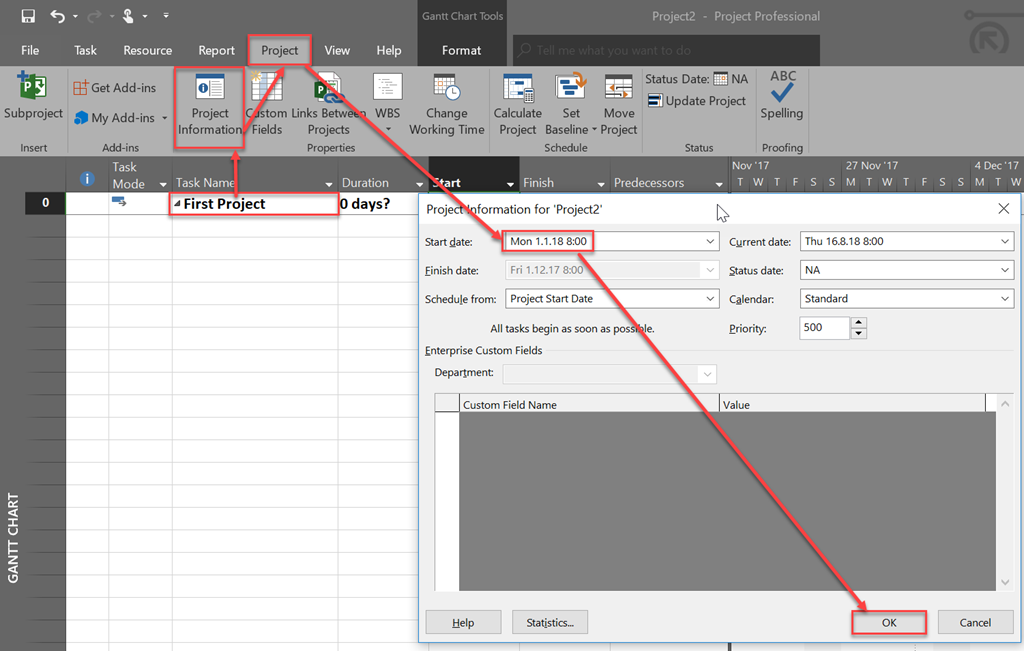
and:
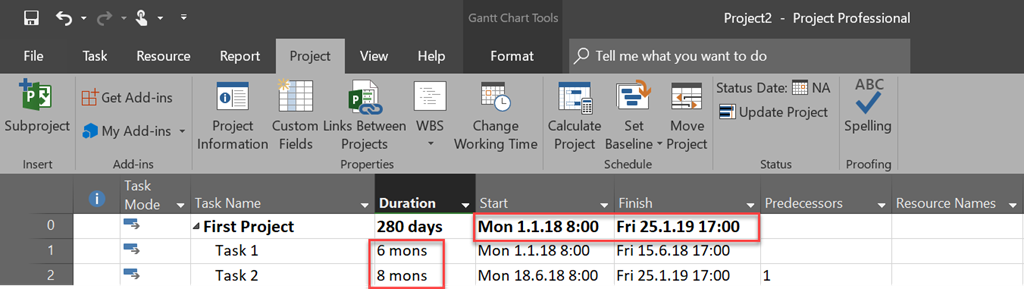
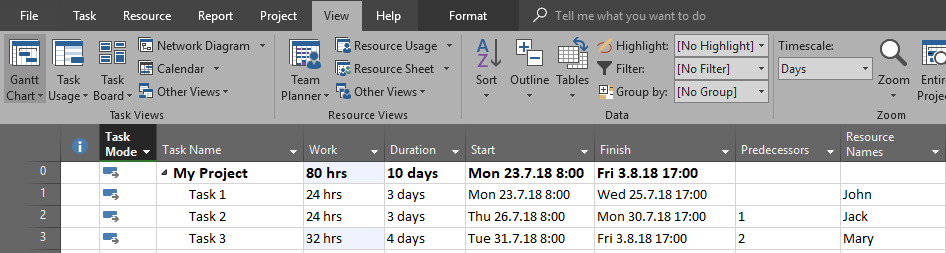
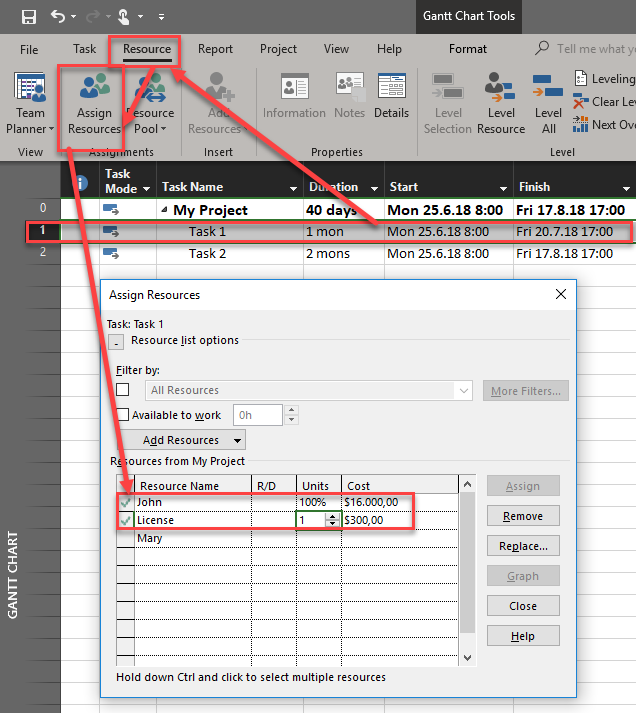
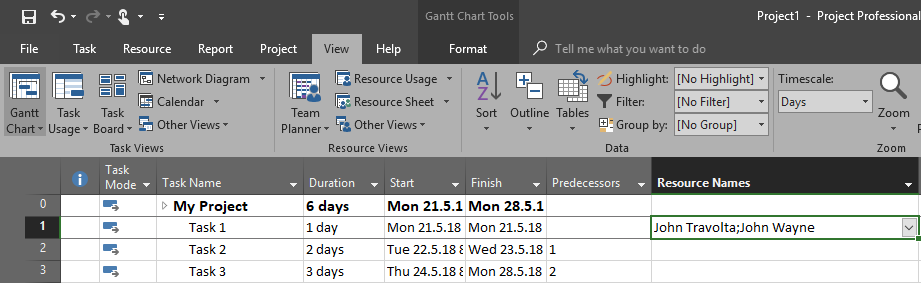
I will assign both John and Mary to those Tasks using Resource Pool:

and:
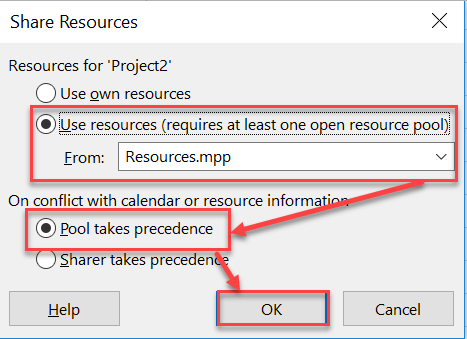
and finally:

Following exactly the same steps I will create another Project – Second Project, and I will get this:

As you can see John and Mary are over allocated, but for this case this doesn’t matter.
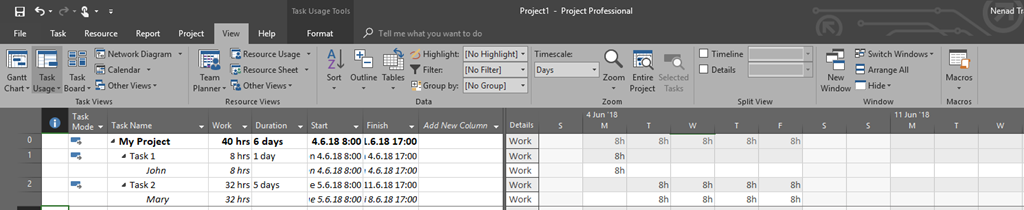
Now I want to see how many hours are John and Mary spend this year in total, for all Projects. I will use Resource Pool and Resource Usage View:

Finally I will adjust Timescale on the right:
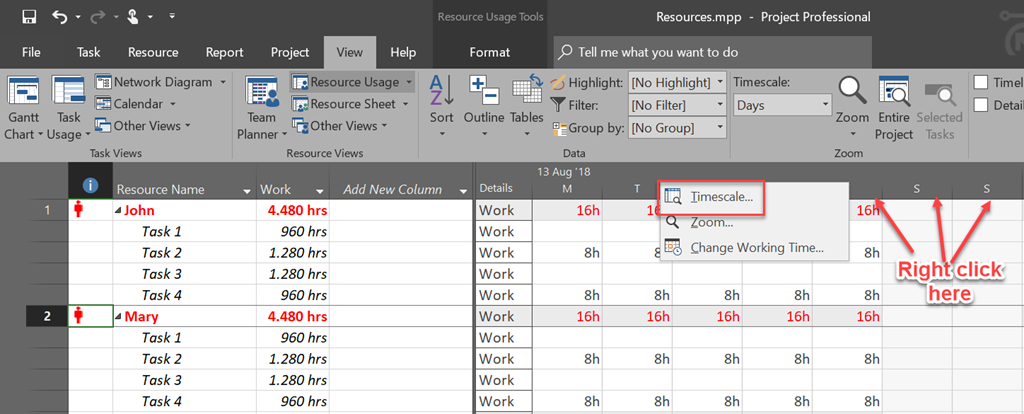
and:
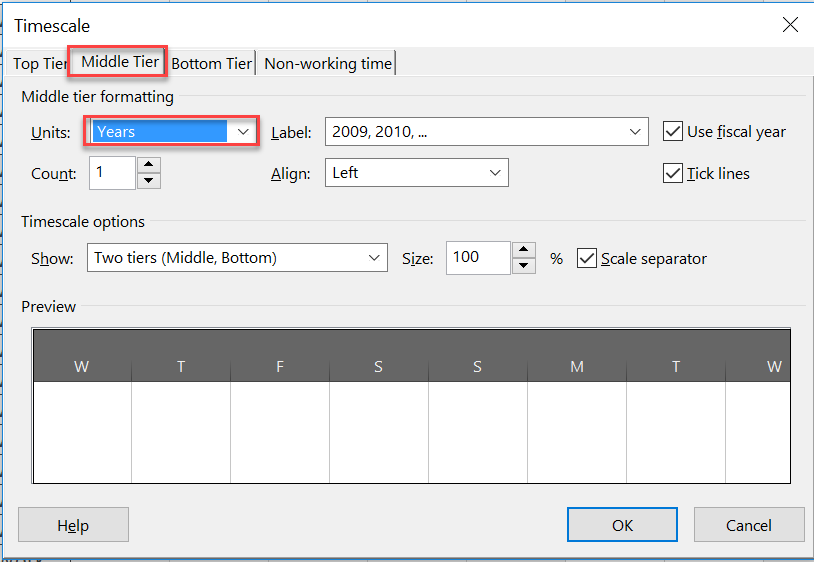
and:
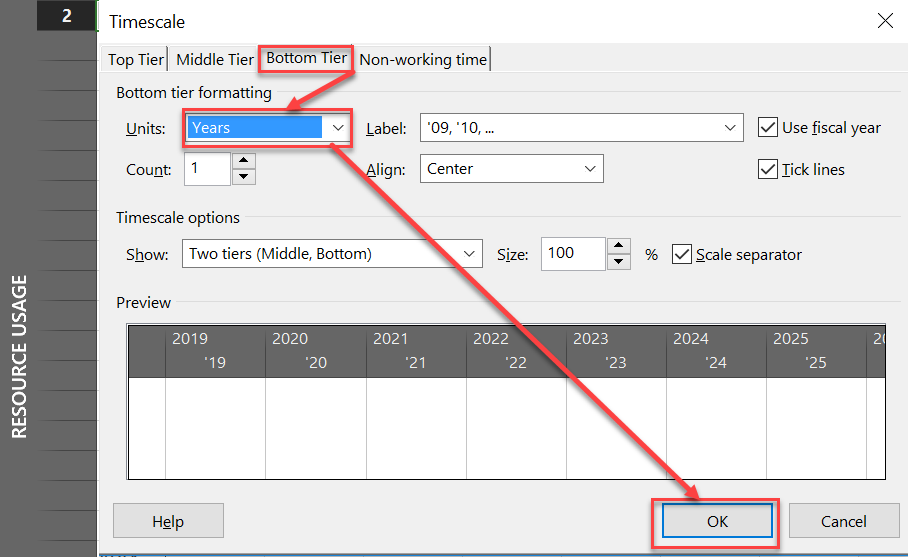
The result is:
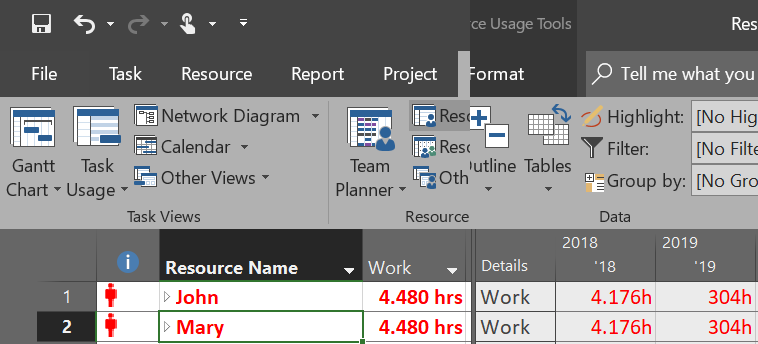
Now I can see “occupation! of every single Resource in all projects, year by year.
Hope this help.
Regards


















 Nenad Trajkovski